
16 May 2026
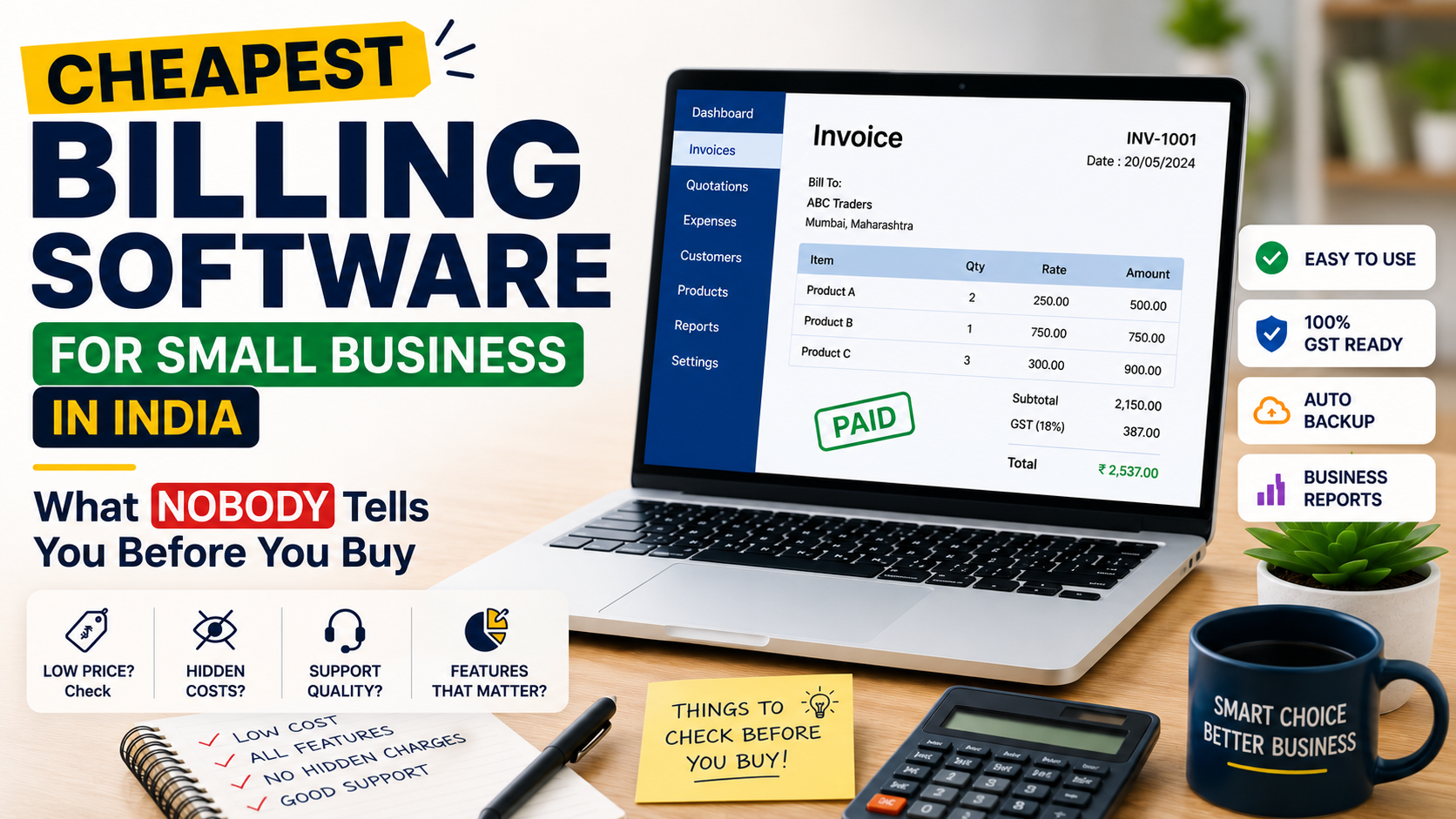
Here’s something strange. Most small business owners in India spend more time researching which smartphone to buy than which billing software to use — even though bad billing costs them ten times more than a bad phone purchase. The invoices going out every month are literally the lifeblood of cash flow. And yet, billing software remains an afterthought.
The market doesn’t help. Search for ‘cheapest billing software for small business’ and you’ll land on comparison pages that list 15 tools with identical feature tables and zero real guidance. Which ones actually work for a vegetable distributor in Nagpur? A freelance designer in Hyderabad? A small garment trader in Surat? Nobody says.
This blog does. Not a generic list — a real breakdown of what the cheapest billing software for small business should do, what traps to avoid, and why picking the right tool at the right price point changes more than just your invoicing.
₹0/month sounds incredible. And plenty of tools advertise exactly that. The catch? ‘Free’ billing software typically means 5 invoices per month, no GST support, no payment tracking, and a watermark on every invoice that makes you look like you’re running a side hustle from a laptop at a chai stall.
Genuinely cheap billing software is different. It’s affordable without being crippled. It handles GST — because in India, any business with annual turnover above ₹20 lakh (or ₹10 lakh in some states) is GST-registered and legally required to issue proper tax invoices. It tracks who’s paid and who hasn’t. It runs on a phone, because that’s where most Indian small business owners actually work.
The sweet spot for the cheapest billing software for small business in India falls between ₹199 and ₹599 per month. Below that range, you’re usually getting a toy. Above it, you’re paying for features built for mid-size companies with accounting teams — not a two-person operation in Coimbatore.
They’re designed to get you in, let you build your client list and invoice history in their system, and then make switching painful enough that you upgrade. Nothing wrong with that as a business model — but you should know that’s the game. Treat free plans as trials, not long-term solutions.
There are non-negotiables. Not nice-to-haves. Things your billing software must do correctly, every single time, or it’s not worth the ₹0 you’re paying for it.
An invoice without proper GST details isn’t just unprofessional — it’s potentially non-compliant. Your software needs to apply CGST and SGST for intra-state sales and IGST for inter-state ones, automatically, based on seller and buyer addresses. It should also accommodate HSN and SAC codes without requiring a CA to set things up.
Knowing who owes you money and for how long is not a luxury feature. It’s basic. A dashboard that shows you ‘Paid / Unpaid / Overdue’ at a glance saves awkward conversations, prevents write-offs, and keeps your working capital predictable.
A well-formatted invoice with your logo, business name, GSTIN, and bank details communicates that you run a proper business. Clients — especially corporate clients — take you more seriously when paperwork is clean. Cheap shouldn’t mean cheap-looking.
The shop owner in Ludhiana raising an invoice at 9pm isn’t opening a laptop. Mobile functionality needs to be real — not a stripped-down view-only app that redirects you to desktop for anything useful. Test the app before paying, every time.
Your invoice history, client list, and tax reports belong to you — not the software company. Before committing to any tool, confirm you can export everything in standard formats (Excel, CSV, PDF). Being locked into a platform with no exit option is a risk no small business should take.
A ₹299/month subscription is visible. The hidden costs aren’t — and they add up fast.
Before finalising any tool as your cheapest billing software for small business, list out every feature you’ll actually use, then map each one to a specific pricing tier. What looks like ₹299/month often lands at ₹799/month once you include what you actually need.
This sounds obvious, but it’s worth saying clearly: billing software built for the US or UK market will fail you on GST. Full stop.
Indian GST has structures that don’t exist elsewhere — dual tax (CGST + SGST), interstate IGST, reverse charge mechanism, e-invoicing mandates above certain turnover thresholds, and GSTIN-linked invoice numbering. International tools like QuickBooks or FreshBooks have Indian versions, but the localisation is often an afterthought — clunky, incomplete, or months behind regulatory changes.
Tools built from scratch for India — like Taxxa — are designed around these requirements from day one. The invoice template isn’t adapted from a foreign format with GST fields bolted on. It’s built to be GST-compliant in structure, fields, and calculations, because that’s the only kind of invoice Indian businesses need.
For small businesses that want billing software without the compliance risk, Taxxa’s platform is worth exploring — it was built specifically for the Indian market, and the GST handling reflects that.
A lot of billing tools say they’re built for small businesses but are actually scaled-down enterprise products with features removed. Taxxa works the other way — it started with small business needs and built up from there.
The billing software features on Taxxa focus on the workflow that matters most: create invoice → send to client → track payment → generate reports. No complicated setup, no accounting degree required.
What’s particularly useful for small businesses is Taxxa’s invoice-to-filing connection. Most cheap billing tools stop at generating the invoice. Taxxa’s approach extends to helping you prepare GST return data — which means your CA spends less time pulling numbers together, and you spend less money on compliance work.
If GST compliance is a concern — and for most registered businesses, it should be — Taxxa’s GST invoicing tools address the full cycle, not just invoice generation.
Pricing is transparent. No per-invoice charges, no surprise add-on fees. What you see on the pricing page is what you pay — which is exactly what you want when managing a tight small business budget.
Don’t pick billing software based on an ad or a ranking article. Pick it based on 20 minutes of actual testing. Here’s exactly what to check:
Any tool that passes this 20-minute test earns the right to a proper paid trial. Any tool that fails even two of these steps isn’t ready for a real business.
The fear of switching keeps a lot of small business owners stuck on bad tools — or spreadsheets — far longer than they should be. The transition is genuinely simpler than most people expect.
You don’t need to migrate historical data. Keep old records wherever they are for reference. Start fresh on the new tool from a clean date — ideally the 1st of a month, so your billing cycle is clean.
Export your client list from your current system (or just maintain it as a CSV) and import it into the new tool. Most modern billing platforms support this in minutes, not hours.
Brief your CA before switching. They need to know which software you’re on so they can pull the right export formats for GSTR filing. A 10-minute call saves a lot of confusion at quarter-end.
Taxxa’s onboarding is designed to get a small business operational within 30 minutes. Check the pricing and plans page — there’s a free trial that lets you test the full setup before committing.
For more on choosing the right invoicing setup for your specific business type, this Taxxa guide on invoicing software for India covers the decision framework in detail.
Q1. What is the cheapest billing software for small business that supports GST in India?
Several tools handle GST billing affordably — Taxxa, Vyapar, and Zoho Invoice’s entry tier are among the commonly used ones. For genuine GST compliance (auto CGST/SGST/IGST, HSN/SAC code support, and GSTIN-linked invoicing), look for tools in the ₹200–₹500/month range. Below that, GST handling is usually partial or manual. Taxxa specifically is built around Indian tax requirements from the ground up, which makes it reliable for registered businesses.f
Q2. Can billing software actually save me money, or is it just another subscription?
Done right, billing software saves significantly more than it costs. The savings come from time (generating an invoice in 60 seconds vs. 15 minutes in Excel), fewer errors (no wrong GST calculations), faster payments (clients get invoices immediately, not days later), and reduced CA fees (structured reports are faster to work with). For a business doing 30+ invoices a month, the ROI on even a ₹400/month billing tool is measurable within the first billing cycle.
Q3. Is there billing software that works well for service businesses — not just product sellers?
Most Indian billing tools are designed with product sellers in mind — inventory, HSN codes, stock tracking. Service businesses have different needs: project-based billing, time-based invoicing, retainer structures, and SAC code compliance. The better tools handle both. Before subscribing, create a test invoice for a service — check that SAC codes are supported and that you can bill by hour, project, or retainer without workarounds.
Q4. How does cheapest billing software for small business handle multiple clients and invoices?
Good billing software maintains a client directory — you create a client profile once with all their details (name, address, GSTIN, payment terms), and every future invoice auto-populates from that profile. Invoice history is searchable and filterable by client, date range, status, and amount. For businesses with dozens of regular clients, this alone saves significant time compared to maintaining separate files per client.
Cheap billing software for small businesses isn’t a compromise. It’s a strategic choice — you’re allocating a small, fixed cost to eliminate a category of operational pain that has no fixed ceiling when left unmanaged.
The businesses that grow past the early-stage grind are usually the ones that automate the basics early. Invoicing is the most basic thing you can automate. It’s not glamorous, it’s not exciting — but it’s the kind of invisible infrastructure that keeps your cash flow healthy, your compliance clean, and your time free for work that actually moves the needle.
Don’t pick billing software based on which one has the best comparison table in a blog post. Pick based on a 20-minute trial, a real test invoice, and an honest check of what you’ll actually use. The cheapest billing software for small business is the one that you actually use, every day, without friction.
Taxxa is worth 20 minutes of your time. No credit card required to explore. Head to taxxa.in and run the test yourself.If it fits your workflow, great. If not, you’ve lost nothing — and you’ll know exactly what to look for in the next option.
No comments yet. Be the first to comment!